
Reducing Cognitive Fatigue: Designing the K-12 Space for Neurodiversity
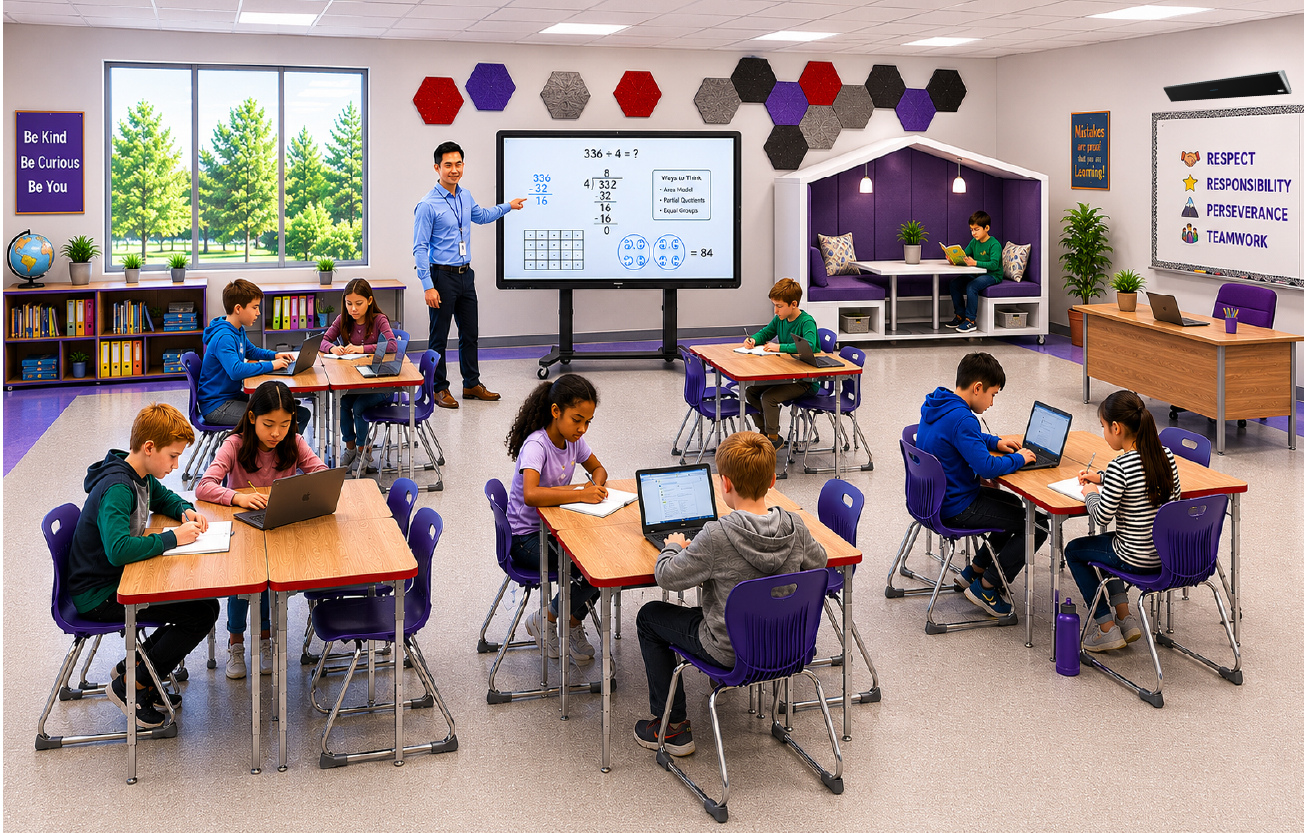
When discussing accessibility in education, the conversation usually focuses on software accommodations—screen readers, text-to-speech tools, or closed captioning. However, for neurodivergent students, the physical hardware and audio-visual (AV) architecture of the classroom can often be a more immediate and systemic barrier to learning.
For individuals navigating autism, ADHD, or sensory and auditory processing challenges, a standard smart classroom setup can introduce severe, constant sensory noise. Traditional audio layouts create uneven sound distribution, forcing students in the back rows to expend immense mental effort just to isolate the teacher's voice from ambient HVAC units or hallway chatter. Simultaneously, uncalibrated interactive displays emit high levels of blue light and subtle screen flickers that trigger headaches, visual fatigue, and executive dysfunction.
By focusing more on the physical AV elements, education leaders can transition a learning space from being reactive to proactive, protecting the cognitive energy of every student.
The Sensory Mechanics of AV Overload
To understand why traditional AV setup choices fail neurodivergent minds, it helps to look at how the brain processes environmental stimuli. A neurotypical brain has a highly effective filter that automatically suppresses irrelevant sensory inputs, such as a humming projector fan or the glare on a whiteboard.
For many neurodivergent students, this filter is thin or entirely absent. The brain attempts to process every single sensory input with equal urgency, a state known as sensory hyper-reactivity.
When a classroom's technological infrastructure ignores these sensory boundaries, students experience a rapid depletion of their mental energy. By early afternoon, this cognitive drain often manifests as behavioral outbursts, severe disengagement, or physical exhaustion.
Key Pillars of a Neuro-Inclusive AV Infrastructure
Designing a sensory-conscious, inclusive AV landscape requires optimizing three core environmental vectors: acoustics, visuals, and control mechanics.
1. Acoustic Equity via Sound-Field Amplification
In a standard classroom, vocal clarity drops significantly for every few feet of distance from the speaker. For a student with an auditory processing difference or an attention deficit, this drop off creates immediate gaps in comprehension.
Implementing sound-field amplification solves this imbalance. Instead of forcing the teacher to raise their voice, they wear a lightweight, omnidirectional microphone that transmits audio to a flat-panel ceiling speaker array.
This array distributes the teacher's voice evenly throughout the room at a steady volume, ensuring it sits cleanly above the room's noise floor. This uniform sound distribution allows vulnerable learners to process instructional speech smoothly without having to constantly strain against background ambient noise.
2. Visual Calibration and Display Optimization
Large interactive flat panels are central to modern instruction, but they are also a frequent source of visual fatigue. High-gloss screens reflect harsh overhead fluorescent lighting directly into a student's field of vision, causing significant eye strain. Furthermore, the high blue-light output and high-frequency refresh flickers typical of consumer-grade displays can trigger sensory over-stimulation.
To create a more accessible visual space, districts should look for displays engineered with the following specifications:
Hardware-Level Blue Light Filtering: Unlike software tints that turn screens a distracting shade of yellow, hardware-level mitigation reduces harmful short-wave blue light emissions while preserving true color accuracy and clarity.
Optical Bonding and Anti-Glare Coatings: Opting for displays with chemically etched anti-glare surfaces reduces ambient reflections, ensuring content remains legible from any viewing angle in the room.
Flicker-Free Certifications: Ensuring display panels utilize direct-current (DC) dimming mechanisms rather than Pulse-Width Modulation (PWM) eliminates the micro-flicker that can induce headaches in hypersensitive students.
3. Reducing Operational Friction via Unified Controls
The cognitive load of a classroom doesn't just affect students; it impacts educators as well. When a teacher must juggle three different remote controls, navigate complicated input-switching menus, or troubleshoot a finicky adapter to show a short video, the rhythm of instruction breaks down. These technical delays introduce open, unstructured gaps into the school day, which can trigger anxiety or behavior challenges in students who rely heavily on routine and predictable transitions.
A neuro-inclusive smart classroom setup replaces this complexity with an intuitive, unified control interface. Wall-mounted control pads should offer single-button presets, such as a "Media Mode" that simultaneously lowers the blinds, adjusts the display brightness, and switches the audio input. By simplifying these transitions, technology serves the pace of the lesson rather than disrupting it.
The District ROI of Sensory-Conscious AV
Investing in sensory-conscious AV hardware is a proactive strategy that directly supports district equity goals. When a classroom is engineered to minimize visual and auditory fatigue, the need for specialized, reactive accommodations decreases.
By building a highly accessible baseline environment, technology leaders can lower environmental barriers for vulnerable learners while creating a calmer, more focused, and highly effective learning space for every student in the building.